Export/Import tags
With the this function, you can export your music files tag information to xls, csv and html formats and then print it or import it into any database.
Also you can import tags information from xls files, i.e. you can export tags data to xls, then edit this files in MS or Open Office and import edited tags data back to music files.
To use Export function:
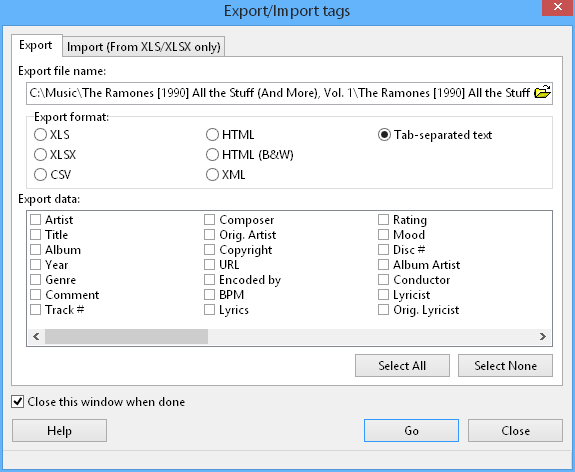
Export options.
- Select the files you want to export.
- Click Export/Import tags.
- Choose Export tab and select export format and file name.
- Click the Go button.
To use Import function:
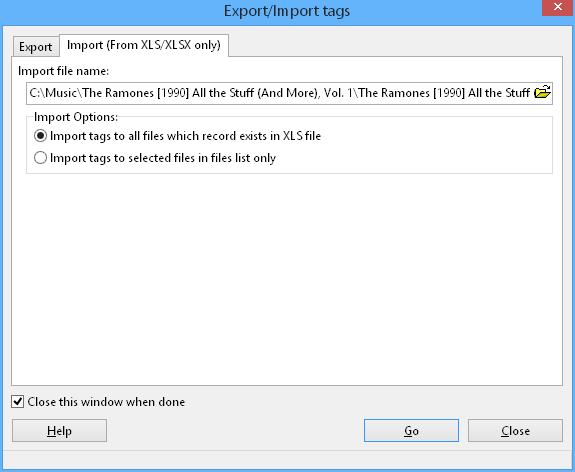
Import options.
- Click Export/Import tags.
- Choose Import tab and select previously exported xls file.
- Select Import options.
- Click the Go button.